# Use in AI Tools
> Install the Everruns plugin in Claude Code, Codex, Cursor or Gemini CLI so your coding agent can build, run, debug and ship Everruns agents.
Source:
The [Everruns plugin](https://github.com/everruns/plugins) lets a coding agent work with Everruns for you. It connects the Everruns MCP server at `https://app.everruns.com/mcp` (you sign in with OAuth in the browser) and adds skills that load only when a task needs them:
| Skill | Your agent can |
| -------------------------- | -------------------------------------------------------------------------------------------------------------------- |
| `everruns` | Use Everruns at all: concepts, the `everruns ` command language, organizations, change history, secrets |
| `everruns-build-agent` | Create or change an agent from a description, preview it and test it |
| `everruns-agents-as-files` | Keep agents as `agent.toml` folders in a repository and sync them with the CLI |
| `everruns-debug-session` | Explain why a session failed or stalled from its events and history |
| `everruns-ship-agent` | Publish an agent to Slack, web chat, A2A and other channels, or run it on a trigger |
| `everruns-framework` | Write code with the `everruns` crate, serve, or the SDKs |
## Install
**Claude Code**:
```text
/plugin install everruns --marketplace everruns/plugins
```
On Claude Code older than 2.1.275, run `/plugin marketplace add everruns/plugins` first, then `/plugin install everruns@everruns`.
**Codex**:
```bash
codex plugin marketplace add everruns/plugins
codex plugin add everruns@everruns
```
Or open `/plugins` in Codex and pick **Everruns**. Start a new session afterwards.
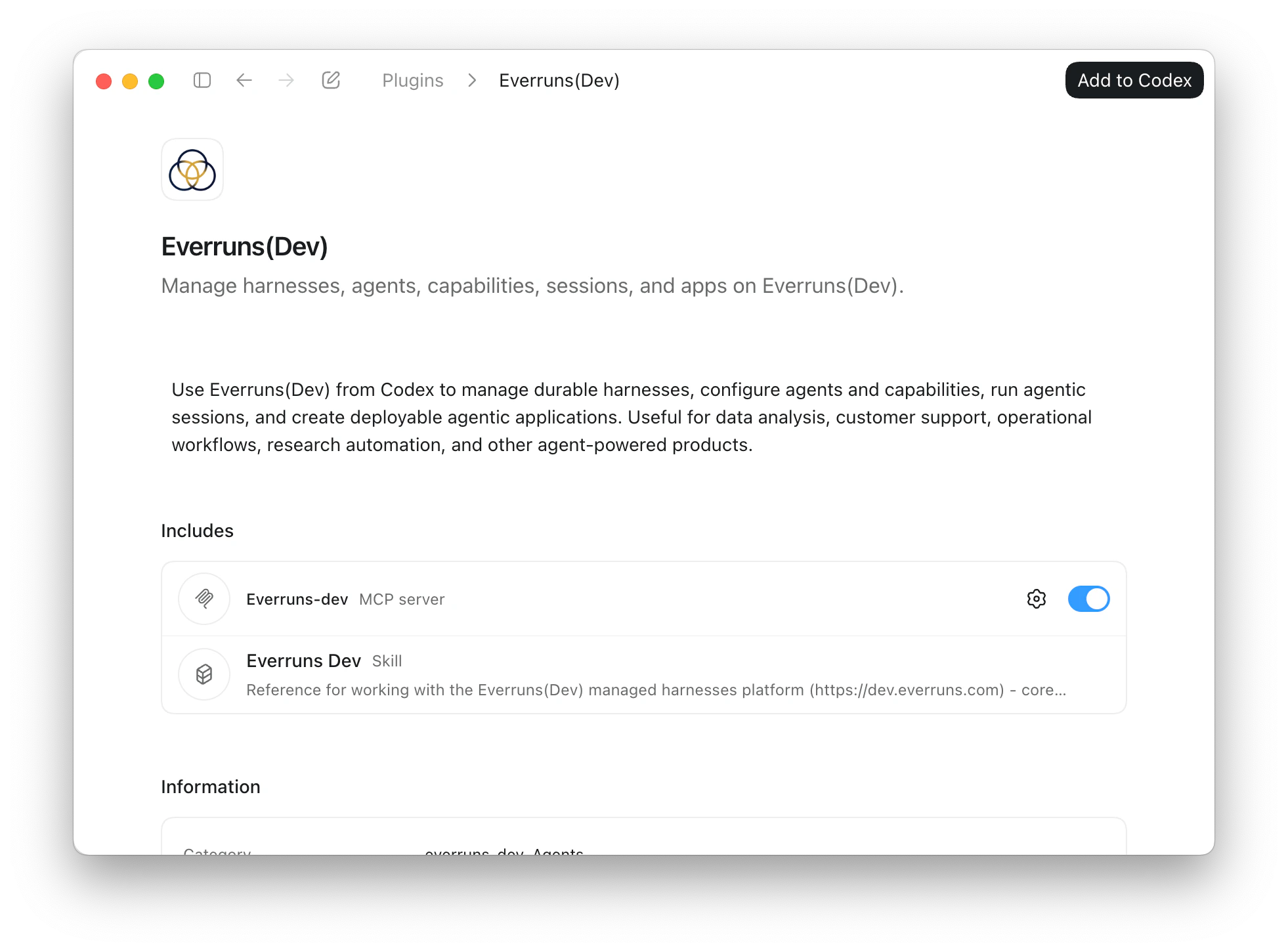
**Cursor**: open **Settings > Plugins**, paste `https://github.com/everruns/plugins`, and install **Everruns**.
**Gemini CLI**:
```bash
gemini extensions install https://github.com/everruns/plugins
```
**Other agents**: hosts that read the [Agent Plugins](https://agent-plugins.org) format can load `plugins/everruns/` from the repository directly. Any MCP client can add `https://app.everruns.com/mcp` as a remote server named `everruns`.
## First run
1. Ask your agent “Who am I on Everruns?” and complete the sign-in in your browser.
2. Ask for real work, for example “create a Hacker News summarizer agent and run it” or “why did this session fail?” with a session link.
Every change the agent makes is recorded in the entity’s [change history](https://everruns.com/docs/features/change-history/) with the reason it gave.
## Use the CLI too
The plugin’s skills speak the same commands as the [`everruns` CLI](https://everruns.com/docs/features/cli/). When the CLI is installed and signed in, the agent runs commands there directly, which is faster than going through MCP.
## Use a self-hosted deployment
The plugin points at Everruns Cloud. For your own deployment, keep the plugin’s skills and register your server’s MCP endpoint under the same name, for example with Claude Code:
```bash
claude mcp add --transport http everruns http://localhost:9300/mcp
```
For the CLI, use `everruns --api-url http://localhost:9300/api login` or set `EVERRUNS_API_URL`. The [Docker Compose](https://everruns.com/docs/getting-started/docker-compose/) stack serves both on port 9300.
## Read the docs as text
The documentation site publishes itself as plain Markdown for agents and other tools that would rather read text than HTML.
* [`/llms.txt`](https://everruns.com/docs/llms.txt): the index: the three ways to run Everruns, every documentation set, and the machine-readable surfaces. Start here.
* [`/llms-full.txt`](https://everruns.com/docs/llms-full.txt): every prose page in one file (roughly 250k tokens).
* [`/llms-small.txt`](https://everruns.com/docs/llms-small.txt): the same corpus without the vendor- and operator-specific long tails.
* `/_llms-txt/.txt`: one topic at a time, mirroring the sidebar: [start-here](https://everruns.com/docs/_llms-txt/start-here.txt), [framework](https://everruns.com/docs/_llms-txt/framework.txt), [platform](https://everruns.com/docs/_llms-txt/platform.txt), [built-ins](https://everruns.com/docs/_llms-txt/built-ins.txt), [guides](https://everruns.com/docs/_llms-txt/guides.txt), [integrations](https://everruns.com/docs/_llms-txt/integrations.txt), [explanation](https://everruns.com/docs/_llms-txt/explanation.txt), [reference](https://everruns.com/docs/_llms-txt/reference.txt), [operations](https://everruns.com/docs/_llms-txt/operations.txt). Prefer a set over the complete text.
* [`/api/openapi.json`](https://everruns.com/docs/api/openapi.json): the REST API as OpenAPI 3.0. The text sets carry prose only, so take endpoint shapes from here.
Every page in those files begins with its title, its description, and a `Source:` line holding the canonical URL. Cite that URL, not the text file.